By warehouse type
WMS for Food and Beverage Warehouses
- Category
- By warehouse type
- Published
- 12 Oct 2026
- Last verified
- 12 Oct 2026
- Reading time
- 4 min
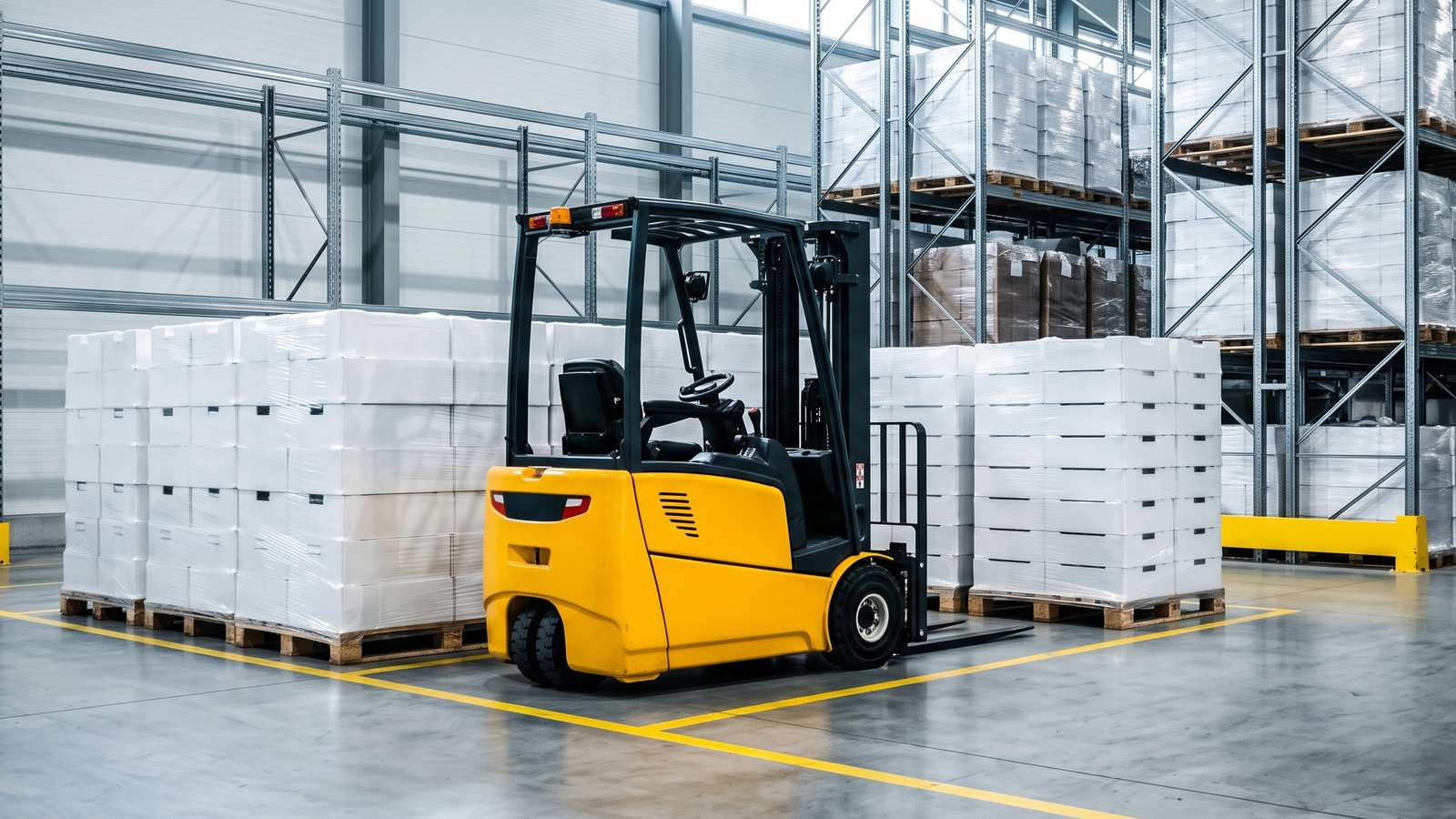
A food and beverage WMS is a warehouse system that treats lot codes, shelf life and temperature as core features and not as notes in a comments field. A pallet of boxes and a pallet of yoghurt can sit on the same racking, but they are not the same problem, because food and drink have a shelf life, come in lots, and sometimes need cold.
This page lists what to look for. It does not cover legal or food safety rules, which depend on what you handle and who your customers are. Ask your quality contact or advisers for those, then make sure the software can support them.
1. Lot or batch control
Every receipt should carry a lot or batch code, and the system should keep it attached to the stock all the way out. That means:
- Capture of the lot at receiving, by scan or entry
- Stock records separated by lot, so two lots of one item are two lines
- The lot shown on pick tasks and on shipping documents
- A way to find where a lot is now and where it went
Ask to see this live: receive two lots of the same item, pick across them, and then search for the lot.
2. Expiry dates and rotation rules
Stock rotation is where food warehouses lose money quietly.
- FIFO ships the oldest received first. FEFO ships the earliest expiry first. These are not the same, and a later receipt can expire sooner than an earlier one.
- The system should pick by the rule you choose, and should allow the rule to vary by item or customer.
- Customers may demand a minimum remaining shelf life on arrival. Look for a way to set this by customer, so the system will not allocate stock that is too close to its date.
- A list of stock nearing expiry, early enough to act on it.
Example (hypothetical): a pallet of juice received on Monday expires in March. A pallet received on Friday expires in February. A FIFO-only system picks Monday's pallet first. A FEFO system picks Friday's. Ask which one your vendor does by default.
3. Holds and quarantine
Stock sometimes has to stop moving: waiting for inspection, a supplier complaint, a damaged outer case. A good WMS lets you place a hold on a lot, a location or a pallet, so that it cannot be allocated or picked, while staying visible in the stock record. Look for who may place and release a hold, and a log of when.
4. Traceability and recall readiness
Traceability means being able to answer two questions quickly: where did this lot come from, and where did it go? Test it with a drill. Pick a lot from last month and ask the vendor, or your own team, to produce the receipt, the current location and every outbound shipment. If this takes more than a few minutes, the data model is probably too thin. Run the drill on a regular schedule after go-live, too.
5. Temperature zones
If you store ambient, chilled and frozen goods, the software should know which zone each location is in and which items belong where. It should warn you when a putaway tries to place a chilled item in an ambient location. Whether the system records temperature readings itself, or reads them from other equipment, is a question for each vendor. Do not assume it does.
6. Units of measure and catch weight
Food moves in several units: each, inner pack, case, pallet. Some items are sold by weight, where each case weighs slightly differently. Check that the WMS handles conversions cleanly and, if you need it, catch weight. Ask how it shows on pick tasks and invoices.
7. Labels and scanning
You will probably print and scan pallet labels, often with lot and expiry in a barcode. Check what label formats the system supports and whether it can print labels your customers require. If a customer sends you a label spec, send it to the vendor before you buy.
8. Returns and damages
Food returns rarely go back to stock. Look for a returns step that records the reason, the lot, and where the goods go next: scrap, rework, or a hold for inspection. A return that goes back into pickable stock by accident is a bad day.
9. Cleaning and shift handover
This one is less about software and more about process, but the system can help: tasks that block certain locations during cleaning, and handover notes between shifts. Ask how a vendor deals with it. Some will say "configure it", which is a fine answer as long as they show you how.
10. If you are a 3PL
Add client-level rules: each client can have its own rotation rule, minimum shelf life, label format and report. Billing may run on pallet days, handling, and cold storage rates. Make sure the system can record those separately.
A short list for demos
Ask every vendor to run these using your own item data:
- Receive two lots of one item with different expiry dates
- Run an order that should pick the earlier expiry first
- Place a lot on hold and attempt to pick it
- Trace a lot from receipt to every shipment
- Process a return with a reason code
- Show the expiry report
Options
Most subscription warehouse systems list lot and expiry features, but depth differs, so test with your data. A custom build is another route if your rules are unusual. Cargohold, which we make, is a one-time custom build, no per-seat, per-truck or per-client fees. Whichever way you go, use the same demo list for each.
Questions people ask
What does a food and beverage warehouse need from a WMS?
Lot or batch control, expiry dates with FIFO or FEFO rotation, holds and quarantine, lot traceability, temperature zones, unit of measure and catch weight handling, label printing and a returns step.
What is the difference between FIFO and FEFO?
FIFO ships the oldest received stock first. FEFO ships the earliest expiry first. A later receipt can expire sooner than an earlier one, so ask which rule the system uses by default.
How do I test lot traceability in a WMS demo?
Pick a lot from last month and ask for the receipt, its current location and every outbound shipment. If that takes more than a few minutes, the data model is probably too thin.
What is a hold in a WMS?
A block on a lot, location or pallet so it cannot be allocated or picked, while it stays visible in the stock record. Look for who may place and release a hold, and a log of when.
Should a WMS know which temperature zone a location is in?
Yes, if you store ambient, chilled and frozen goods. It should know which items belong where and warn when a putaway tries to place a chilled item in an ambient location.
What should I ask vendors to demo?
Receive two lots with different expiry dates, run an order that picks the earlier expiry first, place a lot on hold and try to pick it, trace a lot to every shipment, process a return with a reason code and show the expiry report.
Sources
- No third-party facts, prices, regulations or vendor claims are used on this page. Check legal and food safety requirements with your own advisers or regulator.